Cookieless Analytics for WordPress (2026 Guide)
A practical guide to cookieless analytics WordPress owners can trust — how it works, the best no-cookie-banner tools, and the compliance caveats to know.

For years the default way to measure a WordPress site was to install Google Analytics, accept a cookie banner nagging every visitor, and hope enough people clicked “accept” for the numbers to mean anything. Cookieless analytics flips that arrangement. Instead of dropping a persistent identifier on each visitor’s browser, these tools count traffic without cookies at all — which changes what you’re legally on the hook for, how fast your pages load, and how much of your real audience you actually see.
This guide explains what “cookieless” really means, how these tools count visitors without cookies, which options work well on WordPress, and the compliance caveat that trips up a lot of site owners who assume cookieless equals consent-free everywhere.
What Cookieless Analytics Actually Means
A traditional analytics script sets a cookie — a small file stored in the visitor’s browser — to recognize the same person across page views and return visits. That cookie is what lets Google Analytics stitch a session together and tell returning visitors from new ones. It’s also what pulls analytics into the scope of privacy laws like the GDPR and the EU’s ePrivacy Directive, which generally require consent before non-essential cookies are set.
Cookieless analytics measures the same core things — visitors, page views, referrers, top pages, devices, countries — without storing anything on the visitor’s device. No cookie is written, no persistent identifier follows people around, and nothing is used to build an advertising profile. The point isn’t to spy less efficiently; it’s to answer practical questions (“which posts get traffic? where do visitors come from?”) while collecting far less personal data in the first place.
If this sounds familiar, it’s the same philosophy behind privacy-friendly analytics for WordPress more broadly. Cookieless is the technical mechanism; privacy-friendly is the outcome.
Why Cookieless Analytics Matters for WordPress
Four practical benefits push site owners toward cookieless tools.
No cookie banner for analytics
This is the headline. Because a truly cookieless script doesn’t set the identifiers that trigger consent requirements, in many cases you don’t have to gate analytics behind a consent banner — or block it until someone clicks “accept.” If analytics was the only thing pulling you into cookie-consent territory, you may be able to drop the banner entirely. That’s a cleaner first impression and one less thing to maintain.
More complete data
Consent-gated analytics only counts the visitors who accept. Depending on your audience, that can be a large share of traffic quietly missing from your reports. Because a cookieless script can run for every visitor from the first page view, your numbers tend to be more complete and more honest — you’re seeing closer to the whole picture rather than a self-selected slice.
Faster, lighter pages
Cookieless analytics tools are typically built around a tiny tracking script — often a fraction of the weight of a full Google Analytics install. Less JavaScript means faster loads, and speed feeds directly into Core Web Vitals and search rankings. Analytics is a common culprit when a WordPress site feels sluggish, so a lean script is a real win.
Works despite ad blockers
Many privacy tools and browser extensions block Google Analytics by name. Some independent cookieless platforms are less aggressively filtered, and self-hosted or first-party setups can be harder to block outright — so you lose fewer visitors to ad blockers and end up with more representative data.
How Cookieless Tools Count Visitors Without Cookies
The obvious question: if there’s no cookie, how does the tool know whether two page views came from the same person or two different people? The answer is a privacy-preserving fingerprint that deliberately forgets itself.
At a high level, most cookieless tools generate a temporary, anonymous identifier from signals the browser already sends with every request — typically the visitor’s IP address and user-agent string (browser and operating system) — combined with the website being visited. Those signals are run through a one-way hash together with a daily rotating salt: a random value that changes every 24 hours.
Two things make this privacy-preserving rather than a sneaky workaround:
- It’s a one-way hash. The stored value can’t be reversed back into the original IP address, so the raw personal data isn’t retained.
- The salt rotates and the raw inputs are discarded. Because the salt changes daily and the underlying IP isn’t stored, the same visitor produces a different hash tomorrow. That means the tool can recognize a returning visitor within a single day — enough to count unique visitors and sessions accurately — but it cannot follow anyone across days, let alone across sites.
The result is genuinely useful daily metrics without a persistent, cross-day identifier and without a cookie on the device. It’s a deliberate trade: you give up long-term individual tracking to gain simplicity, speed, and a much smaller compliance footprint. For most bloggers and small businesses, long-term individual tracking was never the point anyway.
Cookieless-Capable Analytics Tools for WordPress
Several modern platforms are built around this approach. Here are the ones worth knowing, and how they differ.
PrettyInsights
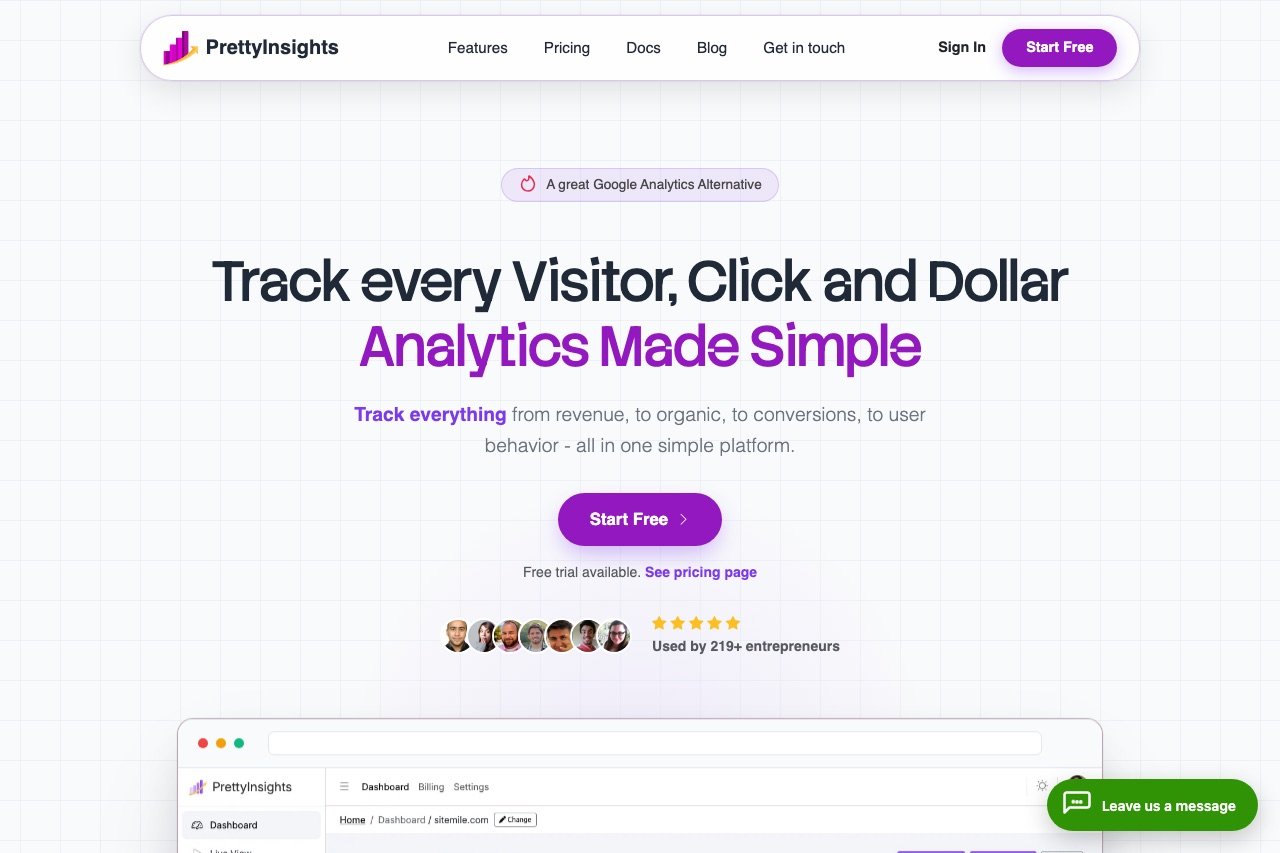
PrettyInsights is a modern, privacy-friendly analytics platform designed to make website data genuinely readable. You get a clean dashboard covering visitors, top pages, referrers, devices, and locations, backed by a lightweight tracking script that doesn’t rely on invasive cookies — so setup stays simple and pages stay fast. It’s a strong fit for bloggers, small businesses, and anyone who finds Google Analytics more tool than they need but still wants clear insight into what’s working. You can read more about the platform at PrettyInsights.
Fathom Analytics
Fathom pioneered the simple, cookie-free analytics category back in 2018. It’s a single-page dashboard with no consent banner needed for its script, permanent data retention, and up to 50 sites per plan. There’s no free tier, but a 30-day trial makes it easy to evaluate. We go deeper in our full Fathom Analytics review — it’s a common starting point for anyone leaving Google Analytics behind.
Plausible Analytics
Plausible is an open-source, lightweight, cookieless analytics tool hosted in the EU. The dashboard is a single page of essentials — visitors, sources, top pages, goals, and UTM tracking — much like Fathom’s. Because it’s open source, technically comfortable users can self-host it for free instead of paying for the cloud version. Our Plausible Analytics review covers the trade-offs between hosted and self-hosted setups.
Matomo (cookieless configuration)
Matomo is the most full-featured Google Analytics alternative, with heatmaps, funnels, and complete data ownership. By default it uses cookies, but it can be configured to run cookieless — Matomo offers a documented cookieless tracking mode that skips the visitor cookie and relies on a config ID derived from request attributes instead. That lets you keep Matomo’s depth while shedding the consent banner in many cases, at the cost of slightly less precise returning-visitor detection. See our Matomo review for the full picture, including self-hosting.
Microsoft Clarity (a note)
Clarity is worth mentioning but with a caveat: it answers a different question. Rather than “how many visitors?”, Clarity shows session recordings, heatmaps, and rage-click detection to reveal what people do on your pages. It is free, but it is not a cookieless tool in the same sense as the others here — it uses cookies and is generally consent-scoped. Treat it as a behavior lens to pair with a cookieless traffic tool, not as a cookie-free replacement for one.

The Consent Caveat: Cookieless Isn’t Always Consent-Free
Here’s the part that gets glossed over in marketing copy. “Cookieless” removes the cookie-consent trigger, but it does not automatically mean “no consent ever, anywhere.” Two reasons:
- Privacy laws cover more than cookies. Regulations like the GDPR govern the processing of personal data in general, and depending on interpretation and how a tool is configured, even hashed IP-based measurement can be considered personal-data processing in some jurisdictions. Consent isn’t the only lawful basis, but you can’t assume the topic disappears just because a cookie doesn’t.
- Rules differ by country and change over time. Guidance from data-protection authorities varies across the EU and beyond, and what one regulator waves through, another may scrutinize. A US-focused hobby blog and an EU-facing business are not in the same position.
The honest bottom line: cookieless analytics dramatically reduces your consent obligations and, for many sites, legitimately lets you drop the analytics cookie banner. But it is not blanket legal immunity. Check your local rules — or your data-protection authority’s current guidance — before you remove a banner, and if your site handles sensitive data or serves regulated markets, get proper advice. No third-party tool makes you automatically compliant; your overall setup, including forms, embeds, and advertising, still determines your obligations.
How Cookieless Tools Compare
The cookieless options divide roughly into two groups. The simple, hosted platforms — PrettyInsights, Fathom, and Plausible — give you a readable one-page dashboard, a tiny script, and freedom from the analytics cookie banner with almost no configuration. They’re the right call if you mainly want to know what content works and where visitors come from.
Matomo sits apart: it’s the choice when you need GA4-level depth (funnels, heatmaps, full data ownership) and want to run cookieless, accepting a heavier interface and, if self-hosted, real maintenance. Clarity is a complement to any of them rather than a substitute.
| Tool | Cookieless | Hosting | Depth | Best For |
|---|---|---|---|---|
| PrettyInsights | Yes | Cloud | Essentials | Clear, private analytics |
| Fathom | Yes | Cloud | Essentials + events | Bloggers, agencies |
| Plausible | Yes | Cloud or self-host | Essentials + goals | Privacy-focused, technical users |
| Matomo | Configurable | Cloud or self-host | Very deep | Data ownership with depth |
| Microsoft Clarity | No (behavior tool) | Cloud | Behavior only | UX and conversion work |
If you’re weighing these against the mainstream option, our roundup of Google Analytics alternatives for WordPress puts them side by side with GA4 itself.
Setting Up Cookieless Analytics on WordPress
The process is broadly the same regardless of which tool you pick:
- Create an account and add your site to get a unique site ID or tracking snippet.
- Install the tool’s official WordPress plugin if one exists, or paste its embed script into your theme header.
- Enter your site ID in the plugin settings, or confirm the script is loading site-wide.
- Visit your own site and check that the hit appears in the dashboard.
Prefer the plugin route where available — it survives theme updates, unlike a script pasted directly into a theme file. If you must edit the theme, do it in a child theme so updates don’t wipe your changes. And because the script is cookieless, you generally don’t need to add it to a cookie-consent tool or delay it until consent is given — subject to the local-rules caveat above.
Conclusion
Cookieless analytics gives WordPress owners a rare win-win: lighter, faster pages, more complete data, and — in most cases — freedom from the analytics cookie banner. PrettyInsights, Fathom, and Plausible cover the simple, privacy-first route; Matomo delivers depth in a cookieless configuration for those who need it; Clarity adds a behavioral lens on top.
Just remember the caveat: cookieless meaningfully shrinks your compliance burden, but it isn’t a substitute for checking the rules that apply to your audience. Pick one cookieless traffic tool, verify it’s collecting cleanly, and commit to a monthly review habit. Once your measurement is honest and lightweight, put the insights to work with our guide on how to rank a WordPress site.
FAQ
Is cookieless analytics accurate?
For the metrics that matter to most sites — visitors, page views, referrers, top pages, and daily unique visitors — yes. Cookieless tools count returning visitors accurately within a single day using a rotating-salt hash. What they trade away is long-term, cross-day individual tracking, which most bloggers and small businesses never needed. In practice, because the script isn’t consent-gated or blocked as often, cookieless numbers can be more representative than partial Google Analytics data.
Do I still need a cookie banner with cookieless analytics?
Often, no — for analytics specifically. A truly cookieless script doesn’t set the identifiers that trigger cookie-consent laws, so if analytics was your only banner trigger, you may be able to remove it. But other elements (embedded videos, ad scripts, some marketing pixels) can still require consent, and privacy rules vary by country. Confirm your full setup and local guidance before dropping the banner.
Does cookieless mean fully GDPR compliant?
Not automatically. Cookieless analytics greatly reduces your obligations and removes the cookie-consent trigger, but the GDPR governs personal-data processing in general, and interpretations differ by jurisdiction. No tool makes you compliant on its own. Cookieless is a strong foundation; treat it as reducing risk, not eliminating the need to check your local rules.
How do cookieless tools count unique visitors?
They generate an anonymous identifier by hashing signals the browser already sends — typically IP address and user-agent — together with the site and a daily rotating salt. The hash is one-way and the raw IP isn’t stored, so it can’t be reversed. Because the salt changes every 24 hours, the same visitor produces a different hash the next day, allowing accurate same-day counts without any persistent, cross-day tracking.
Which cookieless analytics tool is best for a small WordPress blog?
For most small blogs, a simple hosted tool like PrettyInsights, Fathom, or Plausible is the sweet spot: a readable dashboard, a tiny script, and no analytics cookie banner, with almost no setup. Choose Matomo only if you specifically need heatmaps, funnels, or full data ownership and are comfortable with a heavier tool. Add Microsoft Clarity separately if you want to see how visitors behave, not just how many arrive.


